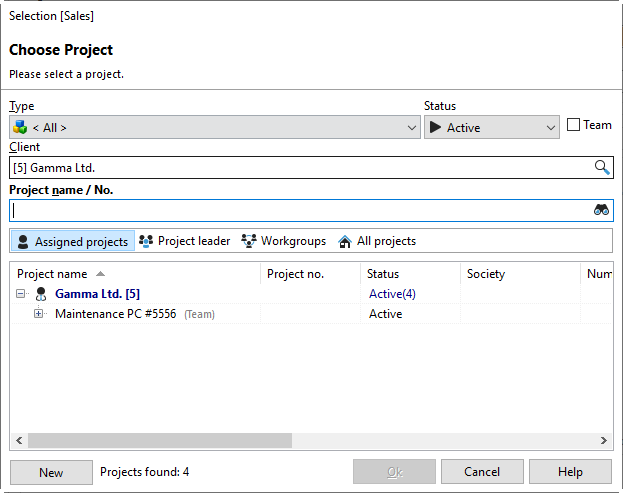
You will find this dialog box throughout the program when you select projects. If you check the "Team" box, only team projects will be displayed.
You can filter the displayed list by specifying a specific project type or the status of the project you are looking for. You can also enter part of the project name you are looking for in the "Project name/No." field. All projects that contain this part will be listed in the results. You can also search using part of the project number. You can sort your project list by the desired column header by clicking on the column header with the left mouse button.