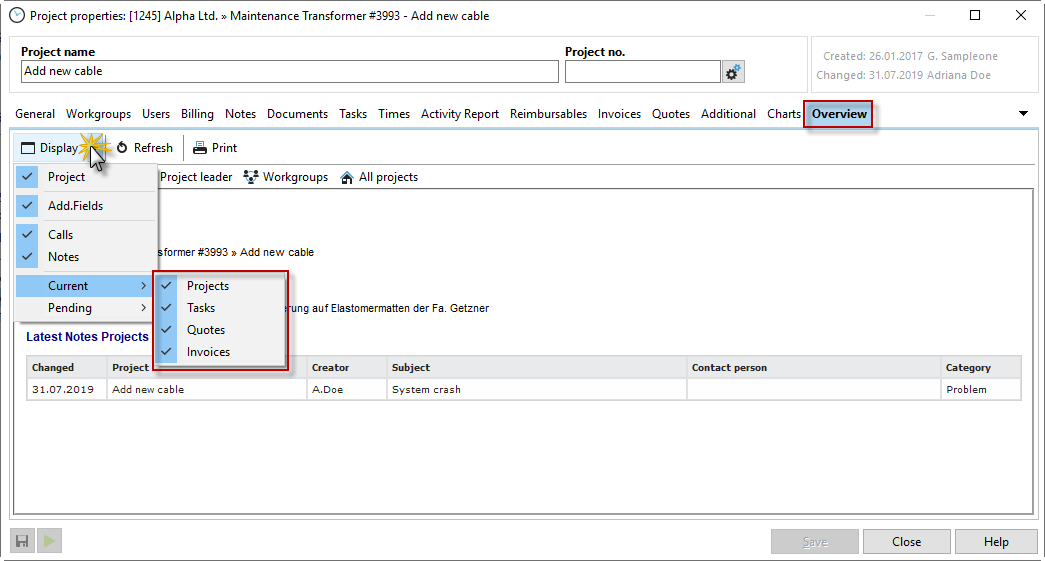
In the project properties, you can see various details about your project in the "Overview" tab. Click on the "Display" button to see the available display options. For example, you can choose to display the latest or open projects, tasks, quotes, invoices, and notes. The overview then shows you the last 5 entries in each selection, which you can then save or print.