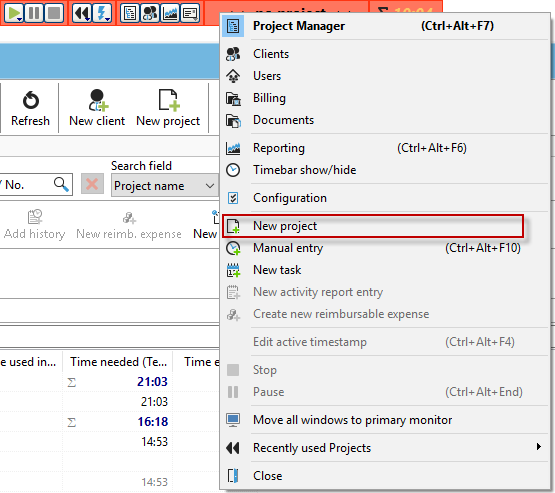
You can create a new project using the "Create new project" button on your timeline, your project manager, or the keyboard shortcut Ctrl + N.

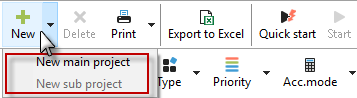
The button with the green plus sign "New" in the toolbar of the project list contains a submenu that allows you to create a main project or a subproject for the selected project.
|
Intelligent quick entry |
|---|---|
Be sure to read the chapter "Intelligent quick entry" on project creation. |
|

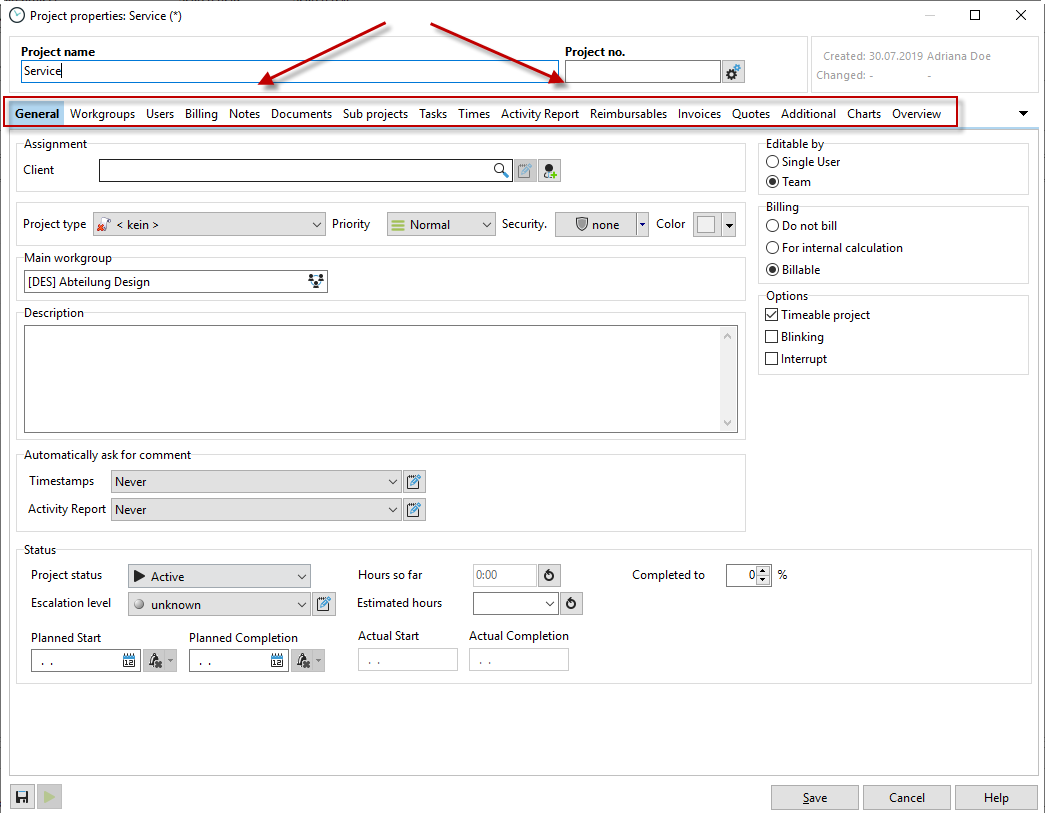
This opens the following dialog box:
In the following chapters, you will find more information about the individual tabs in the project properties.