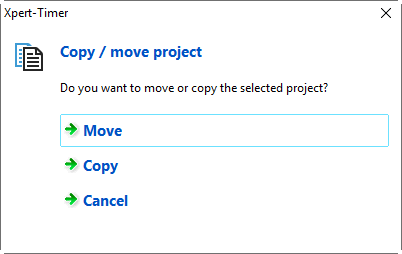
Project templates in the traditional sense do not exist in Xpert-Timer. You can easily copy projects in the Project Manager using drag & drop by dragging an existing project, for example, onto an existing main project. You can then choose whether you want to move or copy the project.
By right-clicking on an existing project, you can also duplicate it and then move it to the correct project using drag & drop or use it directly. All project data is transferredand the "Assign projects" selection.
