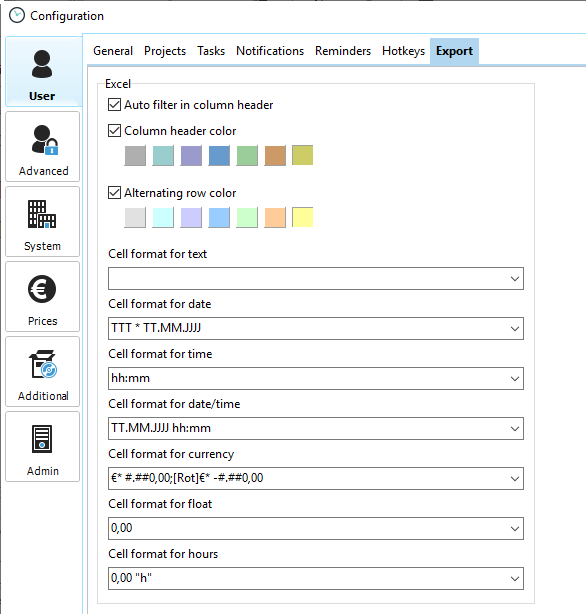
In many areas of Xpert-Timer, you can export your data to Excel for further processing. To do this, Excel export must be activated in the configuration. You can find the setting in the Advanced -> General area.
In the "Export" tab, you can configure settings for your Excel export. This allows you to preset certain formats so that you can process the data more easily in your Excel program.